Create an AI voiceover that sounds considered
Go from a short script to a carefully checked audio draft with ElevenLabs.
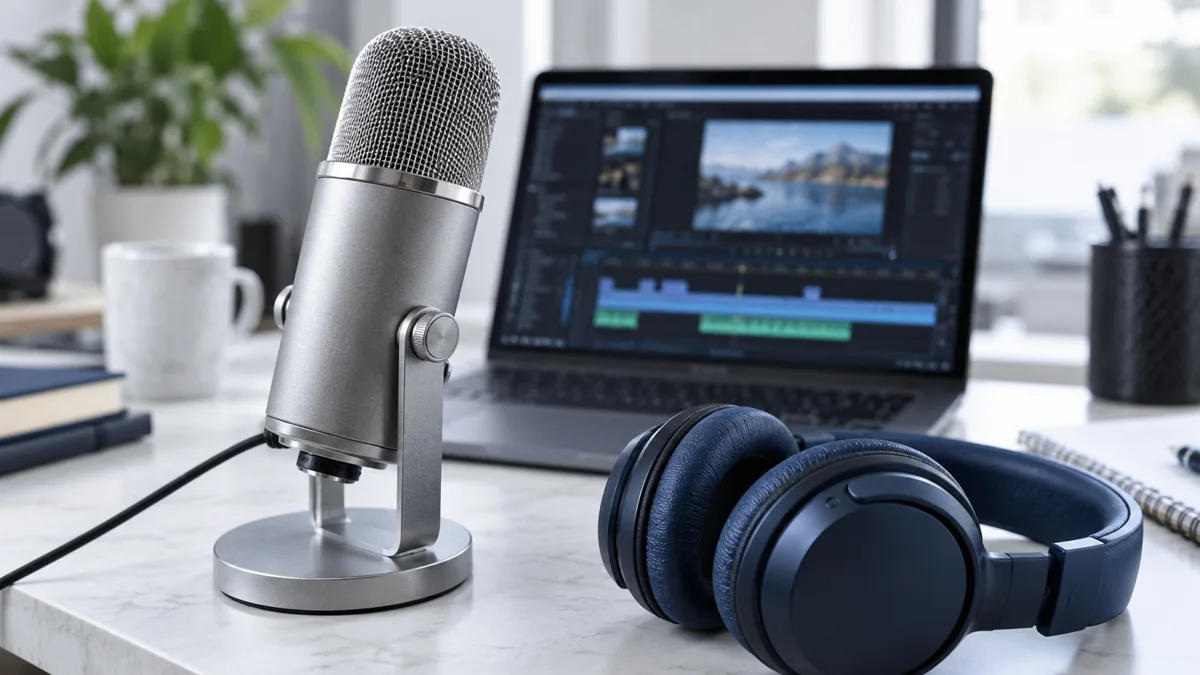
A voiceover is only useful if it says the right thing clearly. Start small, listen closely and check your usage rights before publishing.
1. Write a short, focused script
Use a clear opening, one main point and a closing action. Short sentences are easier to follow aloud. Check names, numbers and any claims before generating audio.
Read the script aloud yourself. Rewrite sentences that are awkward to say. This often improves the result more than changing voice settings.
2. Choose a voice and generate a sample
Open Text to Speech in ElevenLabs. Paste a few sentences and choose an available voice that suits the language and tone.
Generate a short sample first. Listen for pronunciation, pauses and emphasis before spending credits on the complete script.
3. Change one thing at a time
Fix unclear wording first. Then adjust the available voice settings one at a time and compare the results. Settings differ by model.
Use only voices and source material you have permission to use. This exercise does not require cloning anyone’s voice.
4. Listen with the script in front of you
Generate the complete recording and follow every line. Check each name and number, then listen again for pacing and transitions.
Do a final listen in the context where it will be used, including any background music. Avoid assuming a clean export means the content is correct.
5. Check the plan and keep your working notes
Before commercial use, check the current licence and any voice-specific conditions. ElevenLabs lists commercial licensing on paid plans; do not assume the free tier covers a business video.
Keep the final script and settings alongside your downloaded audio. Repeated generations can vary and use additional credits.
Useful links
Product interfaces and plan limits can change. These guides provide a starting point; check the official documentation as you go.
Keep learning
Turn rough notes into a useful first draft
Give Claude a clearer brief and get a draft you can actually work with.
Read tutorial
Build a research brief you can actually verify
Use Perplexity to find a starting point, then follow the evidence before deciding.
Read tutorial